Captain App
Driving Made Easy.
Elevated captain experience with smart dispatching, real-time navigation, and effortless routing for safer, smoother trips.
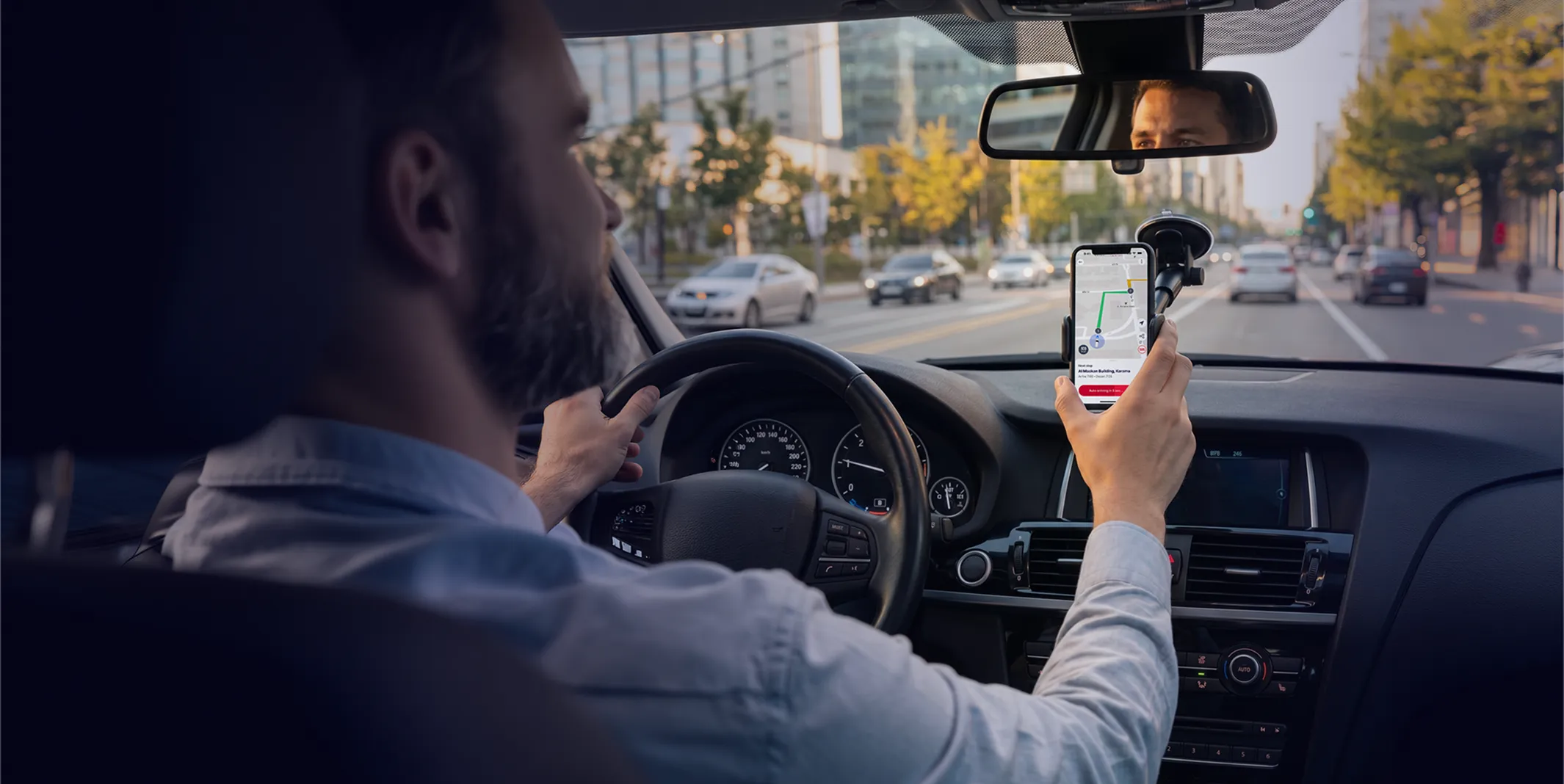
Technology that keeps every journey safe.
Easy captain onboarding
Easy driver onboarding, built to get Captains on the road faster.
No-touch
App
App
Manage trips seamlessly with minimal manual interaction.
Performance
insights
insights
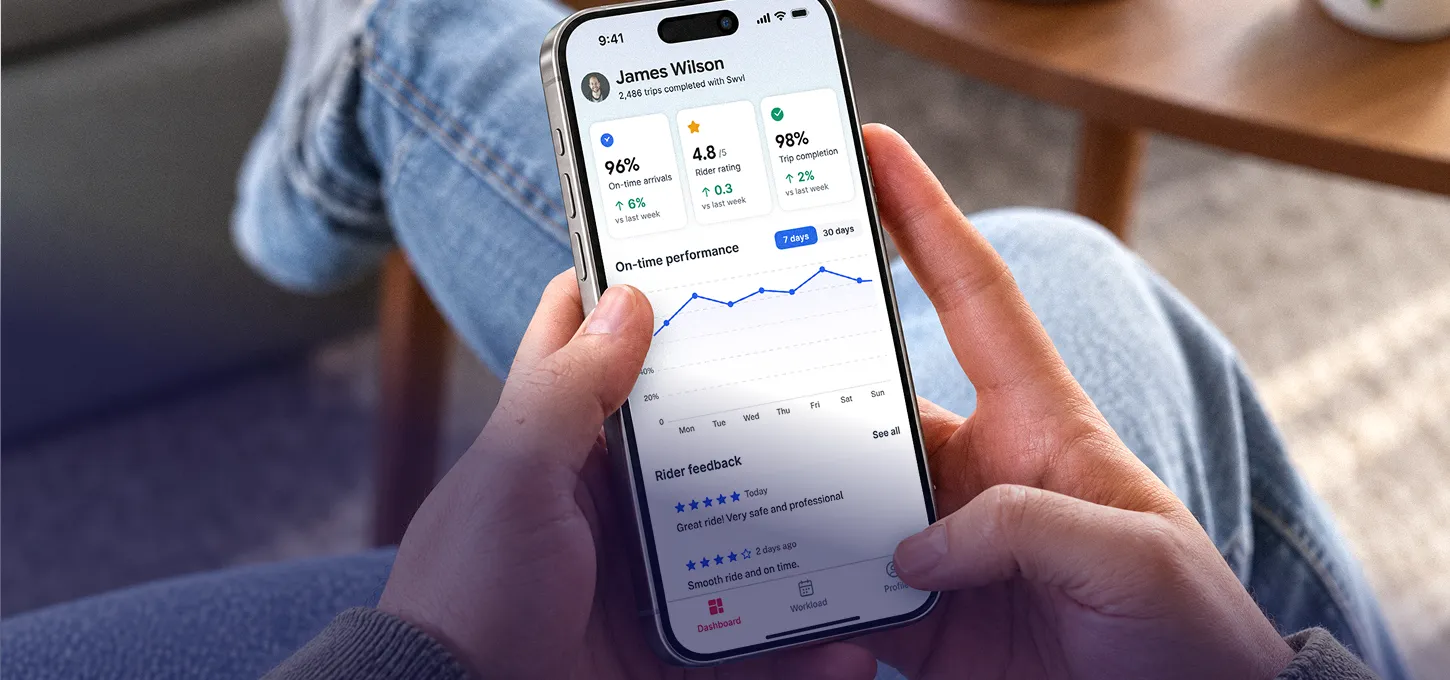
Track punctuality, customer satisfaction, and trip completion at a glance.
Real-time driver & trip management
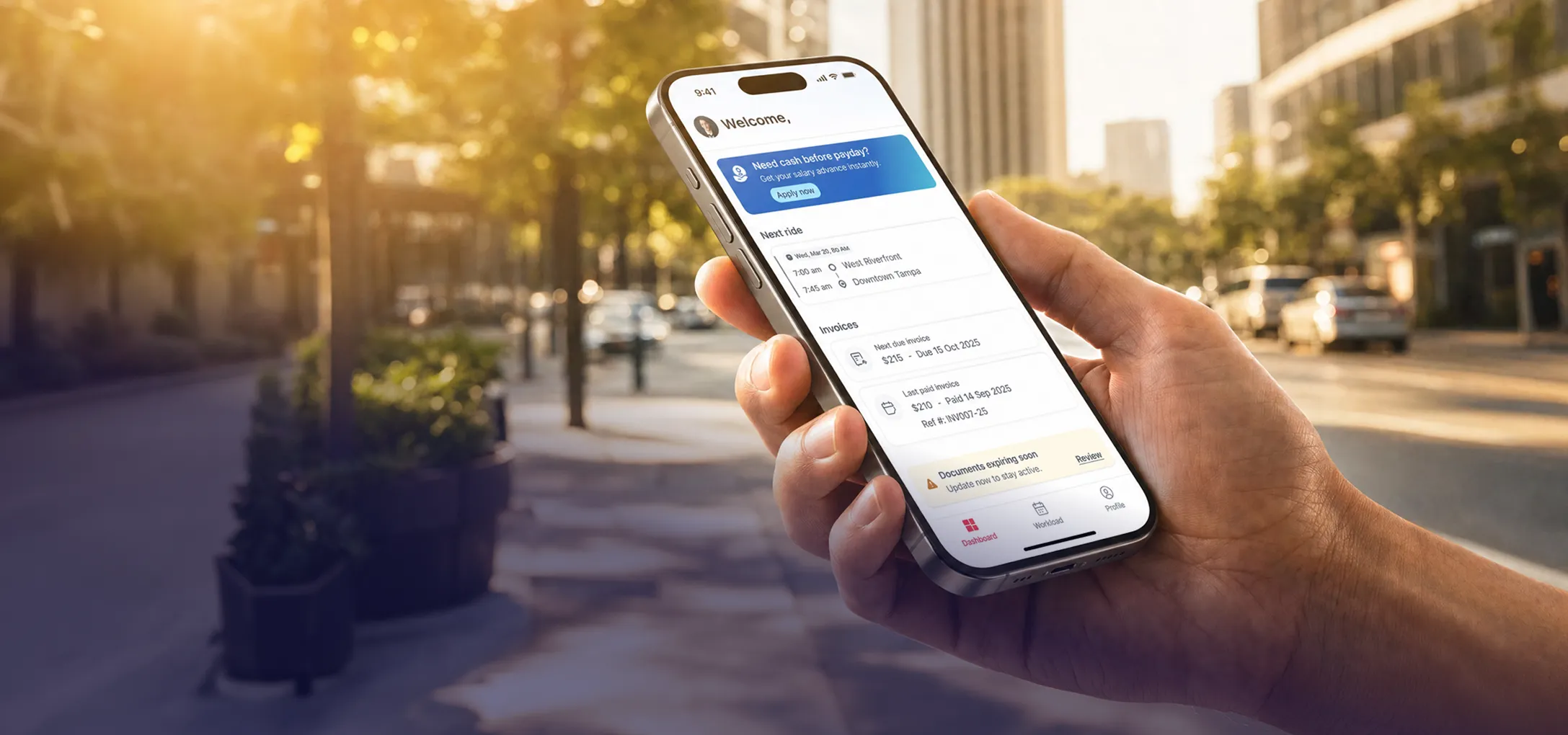
Track upcoming trips and review ride history, all in one app.
Elevated captain experience for safer, smoother trips
Transform your captains’ driving experience with Swvl’s fleet driver app, built for real-time navigation, automatic routing, and simple scheduling for safer, more efficient journeys.
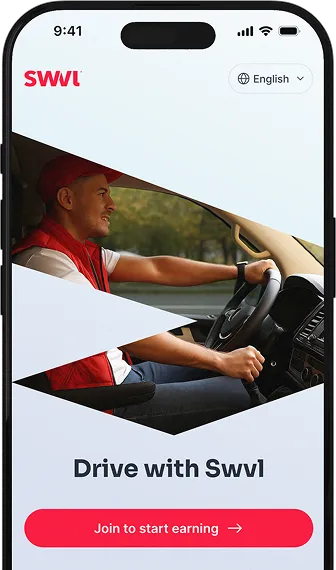
Everything you need, all in one place.
24/7 Support
Dedicated support around the clock to help resolve issues quickly and keep operations running smoothly.

Performance Insights
Captains can easily monitor their driving performance through metrics
like punctuality, customer satisfaction, and trip completion rates.
like punctuality, customer satisfaction, and trip completion rates.
Earnings Tracking.
Transparent earnings tracking that gives drivers clear visibility into their trips, performance, and income.
Need a hand? We’ll take the wheel.
Browse more FAQs
How are captains assigned routes through the app?
Routes are assigned through the Swvl operator dashboard before each trip. The Captain App receives the assignment automatically, including pickup points, departure times, and confirmed headcount. Captains do not need to contact operators manually to receive or confirm a route.
How does the Captain App handle multi-stop routes?
The app sequences every stop and guides the captain through each one in order. Boarding confirmations are logged at each stop. If a stop is skipped or a rider is absent, the captain marks it in the app and the operator receives an update through the dashboard immediately.
Does the Captain App work without an internet connection?
The Captain App requires an active data connection for live navigation, boarding updates, and operator alerts. Route details are pre-loaded before departure to reduce reliance on real-time data during the run. Swvl recommends a stable mobile connection throughout each trip.
What does the Swvl Captain App do?
The Swvl Captain App guides captains through each assigned route with real-time navigation, stop sequencing, and boarding confirmations. Captains receive trip details before departure, track headcount at each stop, and flag issues through the app without calling dispatch.